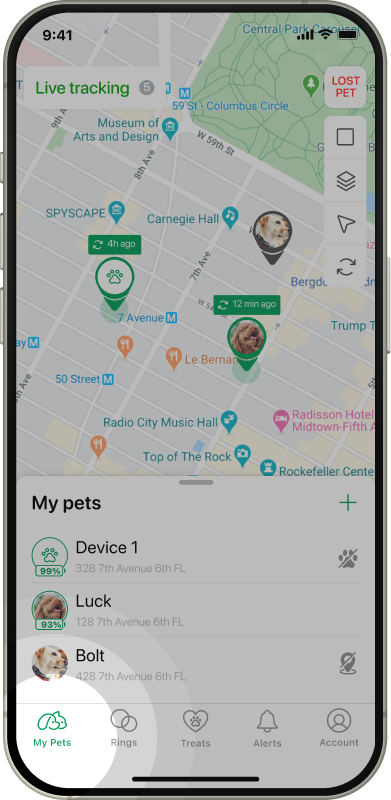
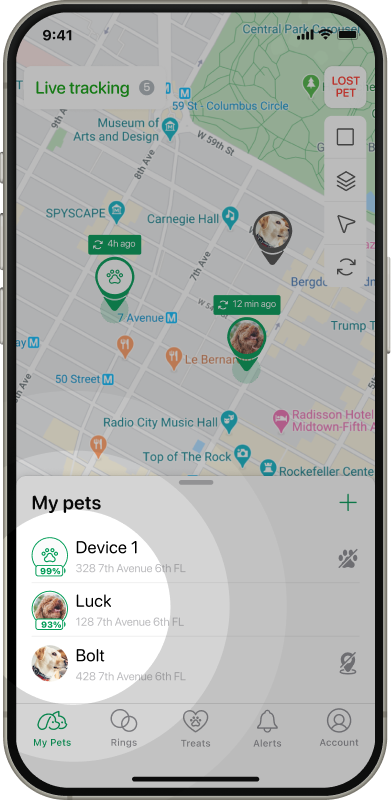
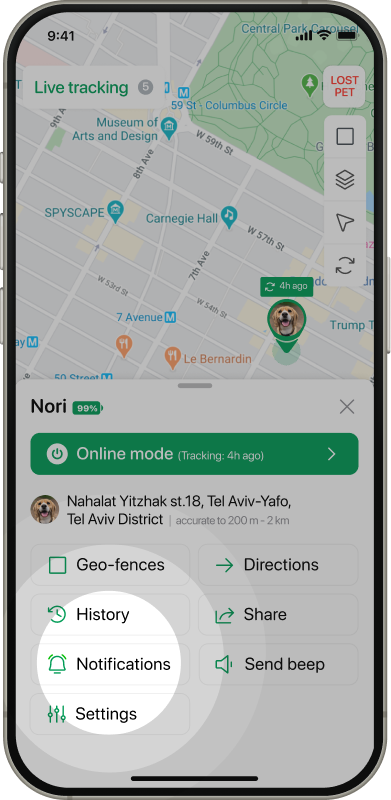
Tap on the tracker you want to enable/disable your notifications for.
Tap on Notifications button.
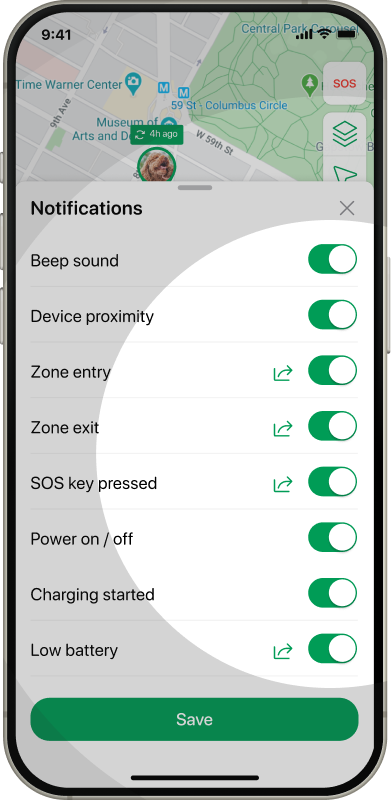
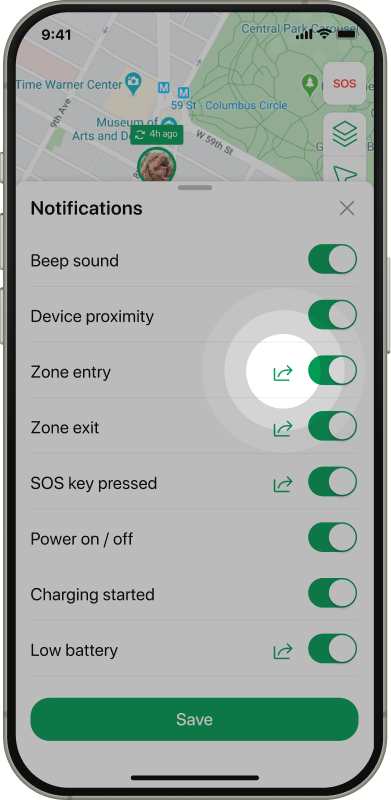
Adjust the toggles according to your preferences.
Also you can send notifications to the contacts you set per notification using the share button next to the relevant toggle.
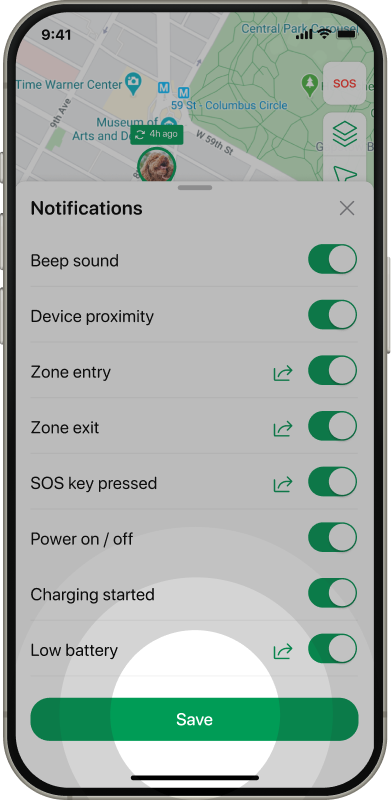
Tap Save button.
The notifications include the following triggers:
Beep sound — enables/disabled the beeper on your device.
Device proximity — get notified when your tracker enters or leaves Bluetooth range of your phone.
Zone entry — triggered when the device enters the Geo-fence.
Zone exit — triggered when the device exits the Geo-fence.
SOS key pressed — triggered once the SOS button is pressed on the tracker device.
Power on/off — triggered when the device is being powered on/off.
Charging started — triggered when the device charge is being started.
Low battery — triggered when the battery level decreases to 10%.