
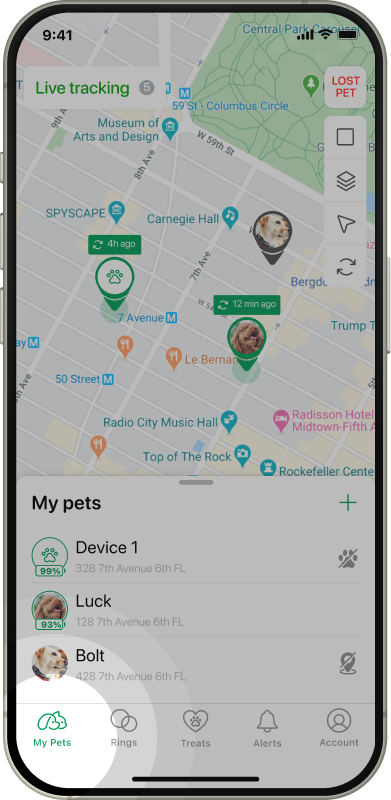
My Pets
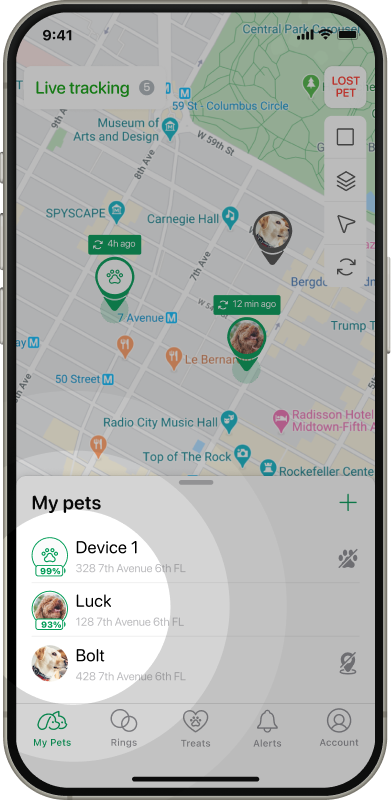
Tap on the tracker you want to change mode.
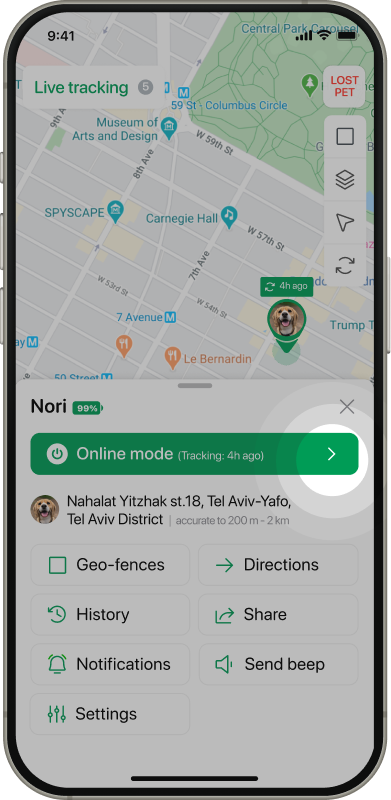
Tap on the arrow icon in current device status.
Turn on toggles of the preferred modes.
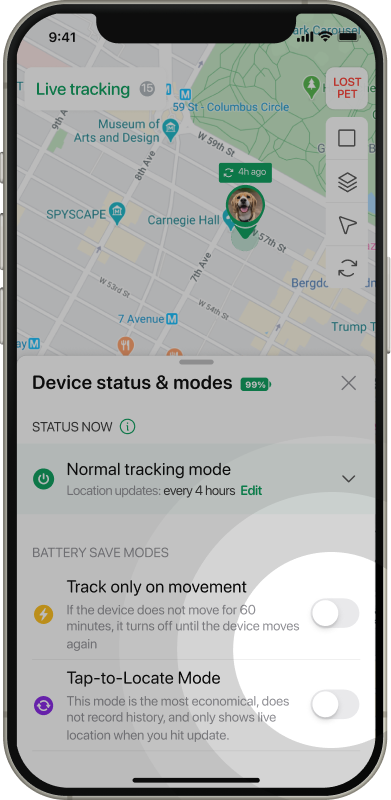
Set up mode according to the settings.
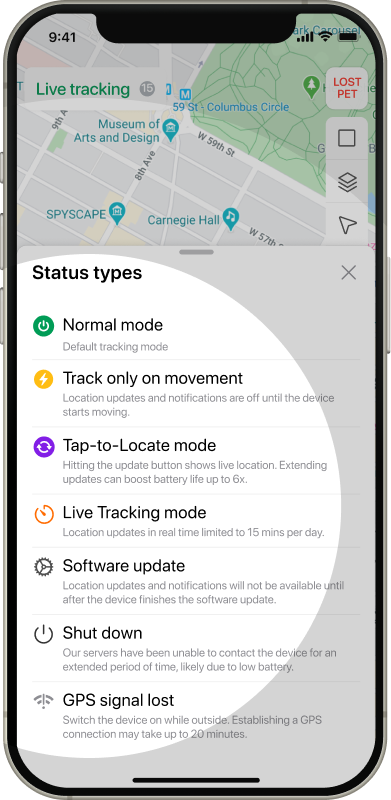
Now you can see device statuses according to the configured modes. To see information about all statuses tap on Info icon on the mode settings screen.
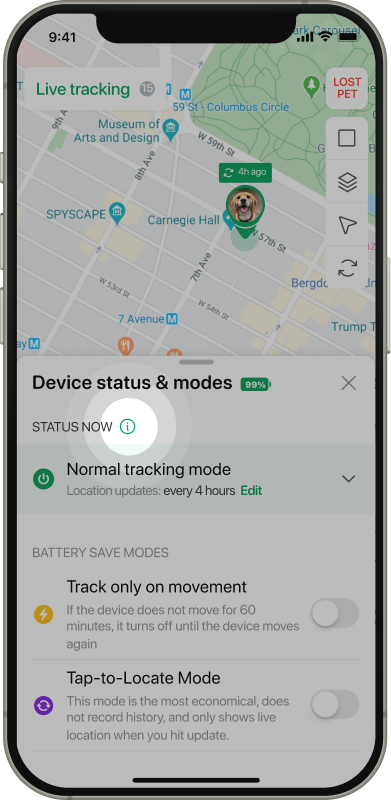
Here you can find information about statuses for the device.
Types of statuses:
Normal tracking mode - sends locations based on your preferred settings.
Track only on movement - location updates and notifications are off until the device starts moving.
Tap-to-Locate mode - hitting the update button shows live location. Extending updates can boost battery life up to 6x.
Live tracking mode - location updates in real time for 15 min limited to 15 time in a day, operated in manual by button on the map.
Software update - location updates and notifications will not be available until after the device finishes the software update (FOTA).
Shut down - our servers have been unable to contact the device for an extended period of time, likely due to low battery.
GPS signal lost - the device lost connection. Switch the device on while outside. Establishing a GPS connection may take up to 20 minutes